Where do I find my invoice(s)?
Written By Wilco
Last updated 10 months ago
Need a copy of your invoice? Whether you’re handling bookkeeping, expensing your purchase, or just want a record of your payment, here’s exactly how to access your invoices from Winning Ads.
📩 Option 1: Search Your Email
When you signed up, you automatically received an email receipt from our billing provider.
Sender name: Winning Ads
Email address:
receipts@thrivecart.emailSubject line:
Winning Ads: Invoice
✅ Simply search your inbox (and spam folder) for “Winning Ads: Invoice” to locate it.
🌐 Option 2: Access via the Billing Portal
If you can’t find the email or need multiple invoices, you can always use our self-serve billing portal:
🔗 Go to: https://join.winningads.com/updateinfo/
Step-by-Step:
Enter the email address you used at purchase
Check your inbox for an email from ThriveCart
Click the secure link in that email
You’ll be taken to your Billing Dashboard
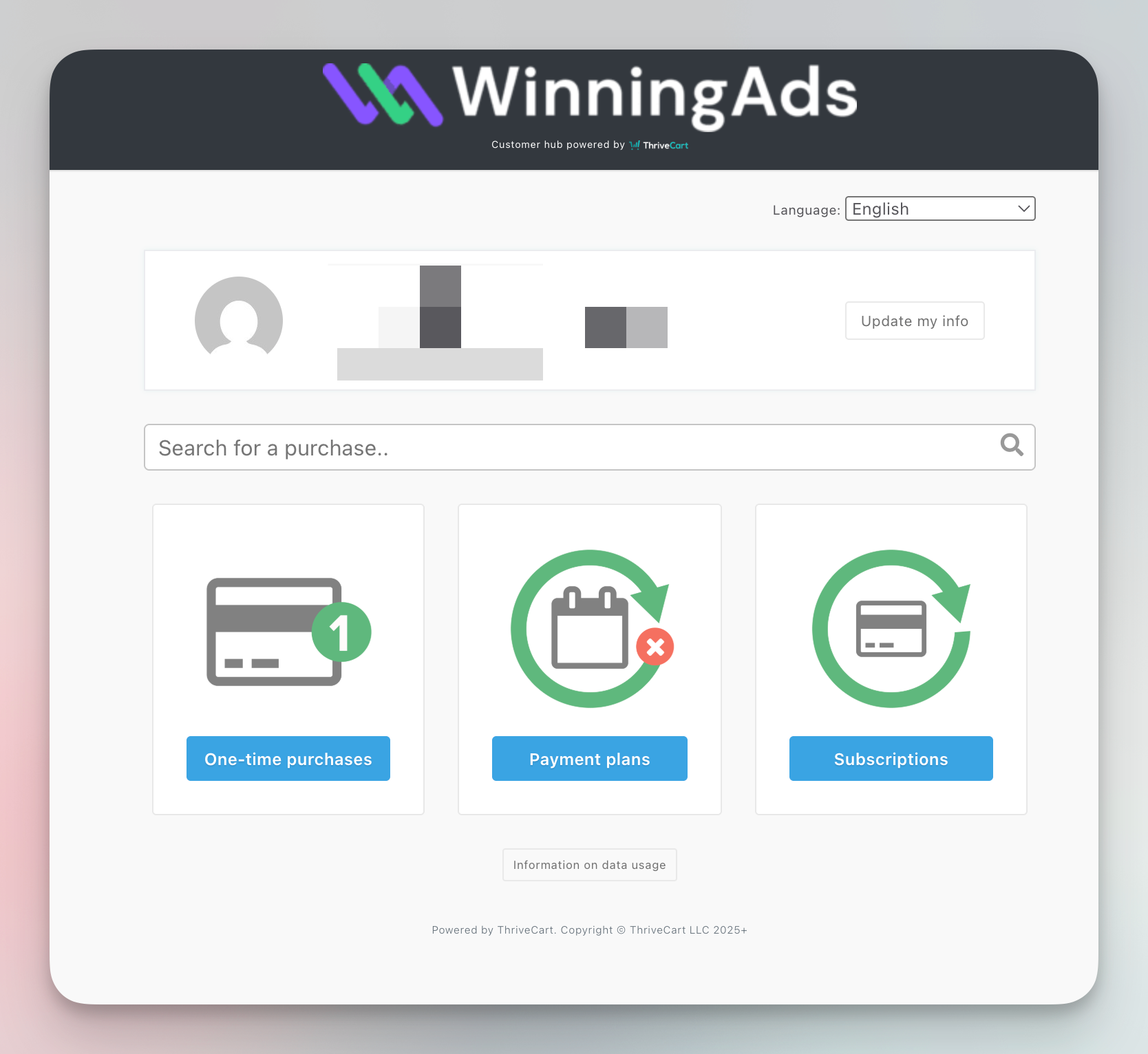
Once you're in, you’ll see three categories:
💳 One-time purchases — for one-time products or add-ons
📅 Payment plans — if you’re on a scheduled installment
🔁 Subscriptions — for recurring plans like the Pro or Agency plan
Click on the relevant section to browse your transaction history. Inside each transaction, you’ll find a downloadable invoice.